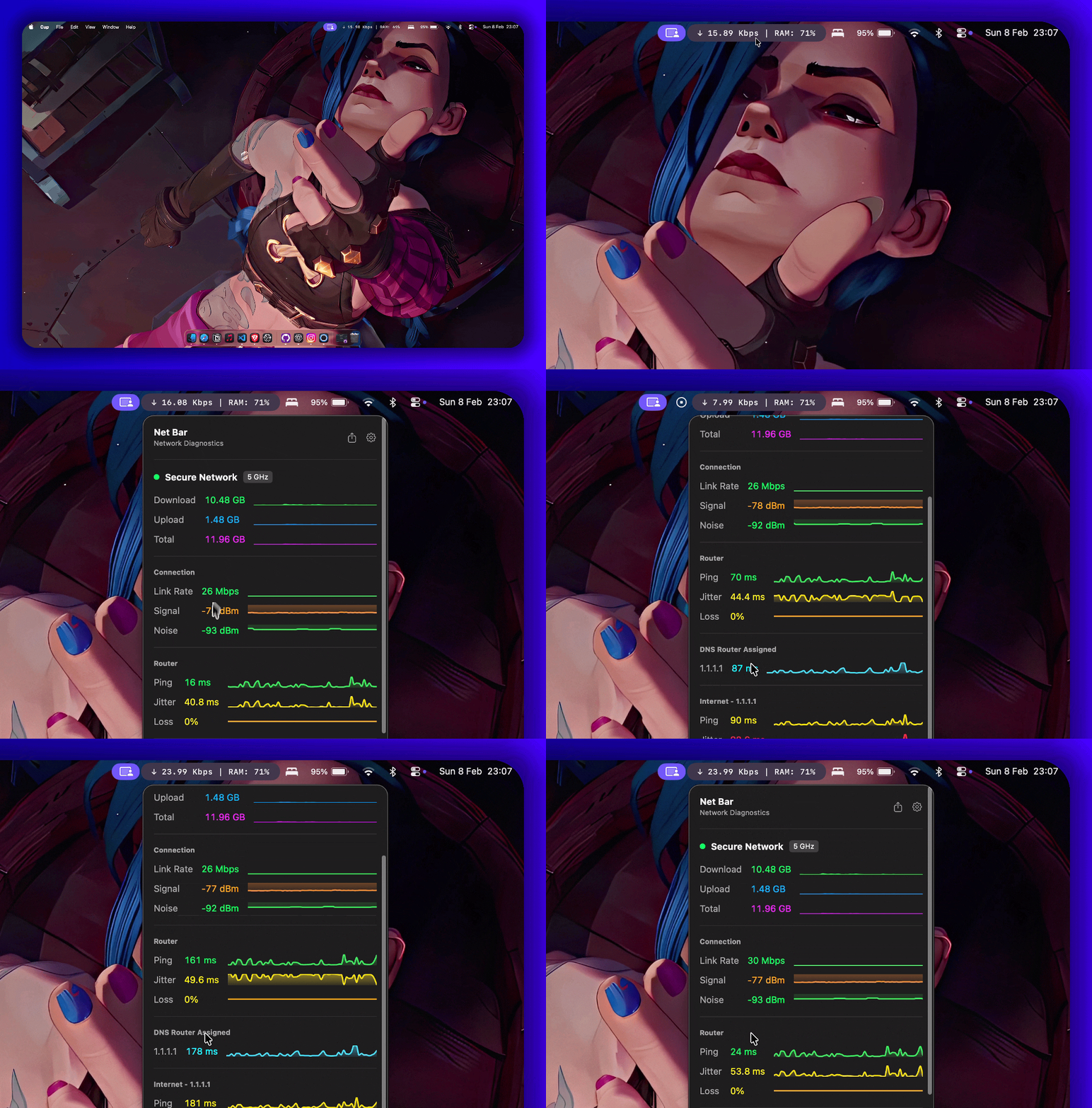
Master your Mac's vitals.

A minimal, powerful, and native system monitor that lives in your menu bar. Built for macOS Sonoma and beyond.

5k+ Downloads
in the first 2 days of launch
Net Bar Preview

Everything at a glance.

Net Bar provides deep insights into your system performance without cluttering your workspace.

Real-time Network

Instantaneous download and upload speeds with detailed Wi-Fi diagnostics and latency tracking.

System Health

Monitor CPU load, Memory pressure, and Disk storage in a beautifully unified dashboard.

Energy & Thermals

Stay informed about your battery health and device temperature to maintain peak performance.

Total Customization

Drag-and-drop reordering, dynamic filtering, and fine-tuned typography control.

Unstack Speeds

Optionally separate upload and download displays for a cleaner menu bar layout.

Smart Tips

Get context-aware alerts based on hardware status like high memory usage or weak signals.

Ready to start?

Choose your preferred installation method. Whether you want a simple DMG or building from source, we've got you covered.

  1. Download the NetBar_Installer.dmg.
  2. Drag Net Bar.app to Applications.
  3. Run the Gatekeeper command to bypass security checks.
xattr -rd com.apple.quarantine /Applications/NetBar.app
Download Latest DMG

Build directly using Swift Package Manager:

git clone https://github.com/iad1tya/Net-Bar
cd Net-Bar
swift build -c release

Private by Design

Your system data never leaves your device. No analytics, no tracking, no cloud. Just your vitals, where they belong.

Open Source

Fully transparent and community-driven. Audit the code yourself or contribute to the project on GitHub.

View Repository →